

hx CLI to create a Mac, run commands, and return to the same disk later.
macOS sandboxes are in beta. Reach out to us at info@hyperbrowser.ai or through support chat to enable them for your team.
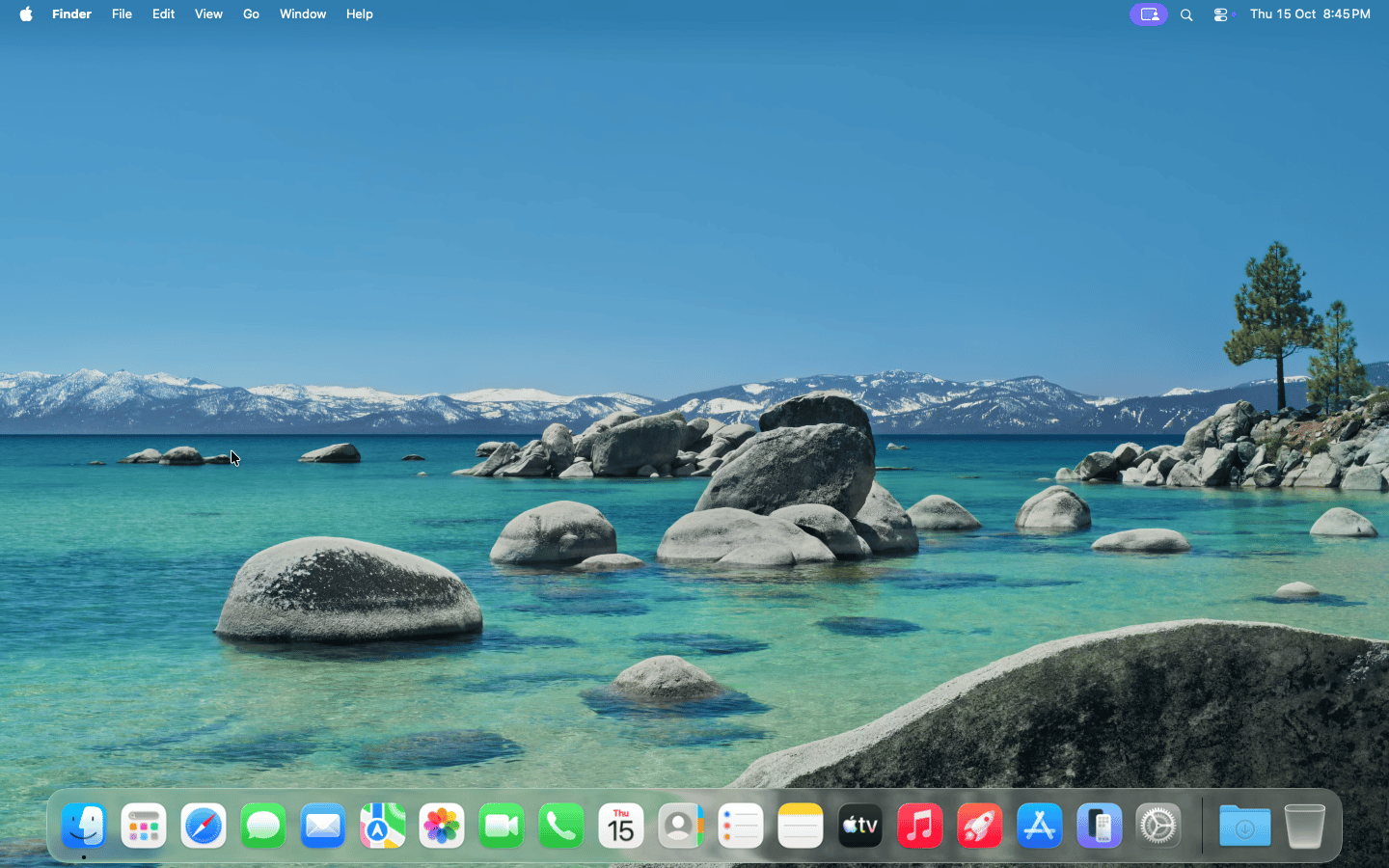
Your Mac desktop, in the cloud.
Before you start
Once macOS access is enabled, configure your API key or CLI profile. The cURL examples below use theHYPERBROWSER_API_KEY environment variable. Use the latest CLI for the --macos flag and disk commands.
Create a Mac sandbox
Create a sandbox with 8 vCPUs, 8 GiB of memory, and a one-hour lifetime:runtimeClass: "macos" selects a Mac. Ordinary sandbox requests default to Linux (firecracker); an image name alone does not select macOS.
Creating from macos-base gives you a new writable disk. The default image stays read-only. Each create request using imageName creates a separate disk; use diskId to return to an existing one.
Mac startup can take several minutes. Allow up to six minutes for the create request; the CLI already uses this timeout. If the response has ready: false, fetch GET /api/sandbox/{id} until it reports ready: true before sending runtime commands. Check status as well, and stop polling if the sandbox has ended or failed.
Save these fields from the response:
CPU and memory default to the source disk’s settings when omitted. macOS requires at least 2 vCPUs and 4 GiB of memory, with memory in whole GiB increments. Available sizes depend on your plan and host capacity. Leave
diskSizeMiB unset to use the source disk’s size; resizing is not supported.
Run commands
Use the same runtime API, file operations, and terminal as other sandboxes. SetSANDBOX_ID, RUNTIME_BASE_URL, and SANDBOX_TOKEN from the create response for the examples below.
Darwin. Your workload runs on macOS with an ARM64 CPU, so use macOS-compatible tools and binaries.
View and share the desktop
OpensessionUrl and select Desktop to use the Mac in your dashboard. To share the desktop directly, expose its VNC web viewer on port 6080:
browserUrl from the API. It carries an access token, so the recipient does not need a dashboard login. The response includes browserUrlExpiresAt; generate a new link when it expires. The sandbox must remain running.
For a public desktop without authentication, use --port 6080:public instead of --port 6080 --auth, or set "auth": false in the API request. Share the returned url.
Desktop links allow both viewing and control. Anyone with an authenticated link can use it until it expires; a public desktop is accessible to anyone who can reach its URL.
"exposedPorts": [{"port": 6080, "auth": true}] to the create request, or --port 6080:auth to the CLI command. The create response includes the link in exposedPorts.
To capture a desktop recording, add "enableRecording": true when creating the sandbox, or use --enable-recording in the CLI. View it in the dashboard’s Recording tab.
Stop and reuse the disk
Stopping a Mac sandbox saves its disk changes and releases the VM. It preserves files and installed applications, but does not preserve running processes or memory.DISK_ID to the diskId from the create response, then check the disk before reusing it:
status is ready and attachedSessionId is null, start a new sandbox with that disk:
id and uses the same diskId. A disk can be attached to only one sandbox at a time. It remains stored after the sandbox stops; delete an unused, detached disk with hx vm disks delete "$DISK_ID" or DELETE /api/disks/{id} when you no longer need its data.
Beta availability and limits
- macOS access must be enabled for your team. Use
region: "us"for the current beta. - Memory snapshots, shared volume mounts, and GPU options are not supported. Use persistent disks to retain your work between Mac sessions.
- macOS outbound network rules accept IPv4 addresses and CIDRs. Domain and wildcard-domain rules are not supported.
- If creation returns
429, available Mac capacity or a quota may have been reached. Check the error message before retrying.